
PROJECT VISITOR / MAC
Now on Mac
Own. Mine. Defend. Survive.
Return to Planet Visitor.
The original game, ready for your Mac.
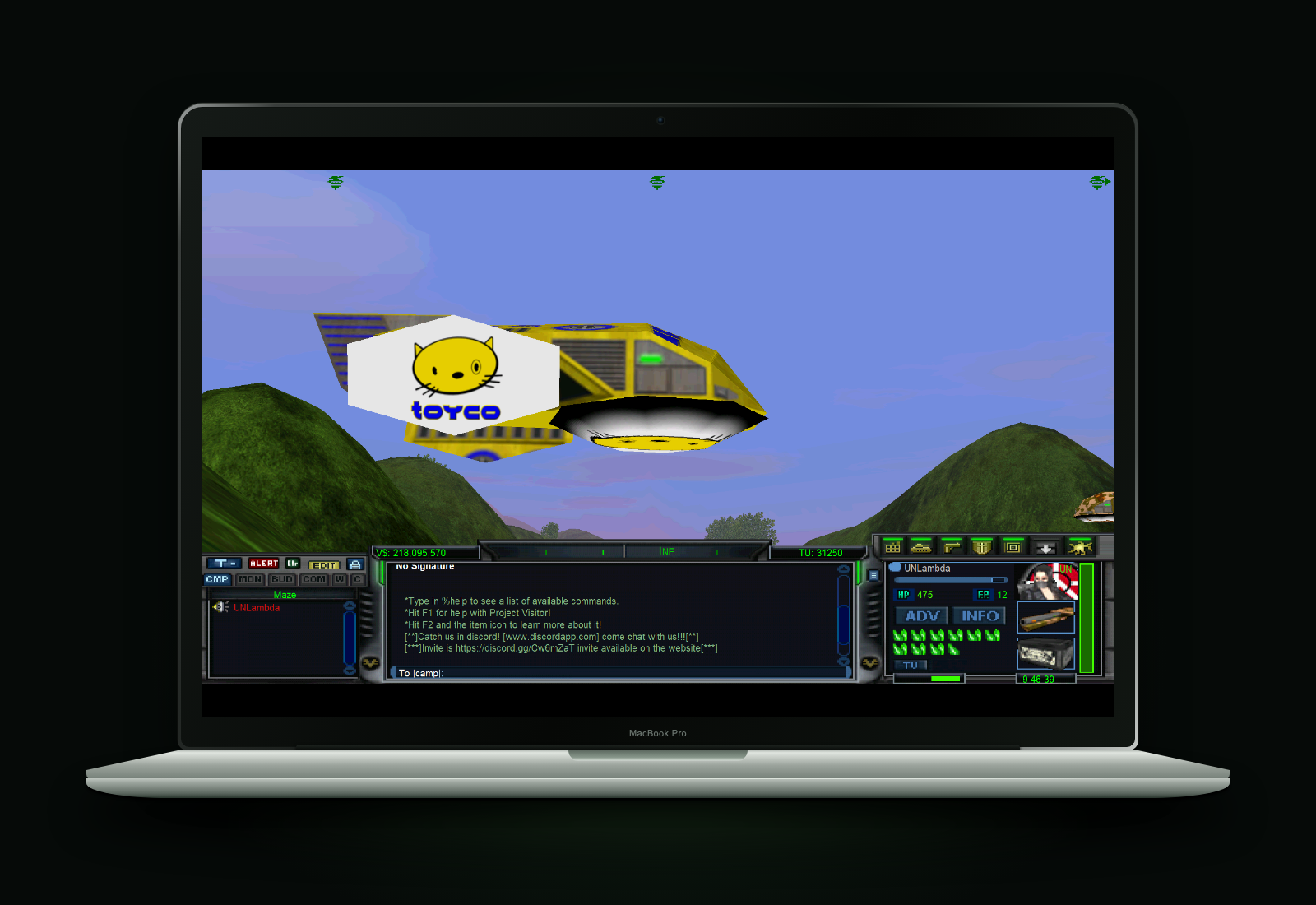
SYSTEM
REQUIREMENTS
Apple M1 or newerApple silicon Mac
macOS 26 & 27Supported macOS versions
THE ORIGINAL WORLD. THE ORIGINAL GAME.
Installation steps.
- Download and open the DMG.
Get Project Visitor for Mac above.
- Drag Project Visitor to Applications.
Use the Applications shortcut in the disk image, then open Project Visitor from Applications.
- Follow the Rosetta prompt.
If macOS asks, install Rosetta. It lets Intel software run on your Apple silicon Mac.
- Launch from ProjectVisitor.com.
Just like you do on Windows. Sign in and use your usual game launch link.
The first launch may take a minute to initialize.
Planet Visitor is waiting.
Own. Mine. Defend. Survive.